
In the era of rapid digital transformation, technology is becoming an indispensable part of daily life. However, while younger generations effortlessly keep up with new trends, a significant number of older adults are still struggling behind the "digital gate." The question is: Is it because the elderly are "tech-averse," or is technology simply not designed for them?
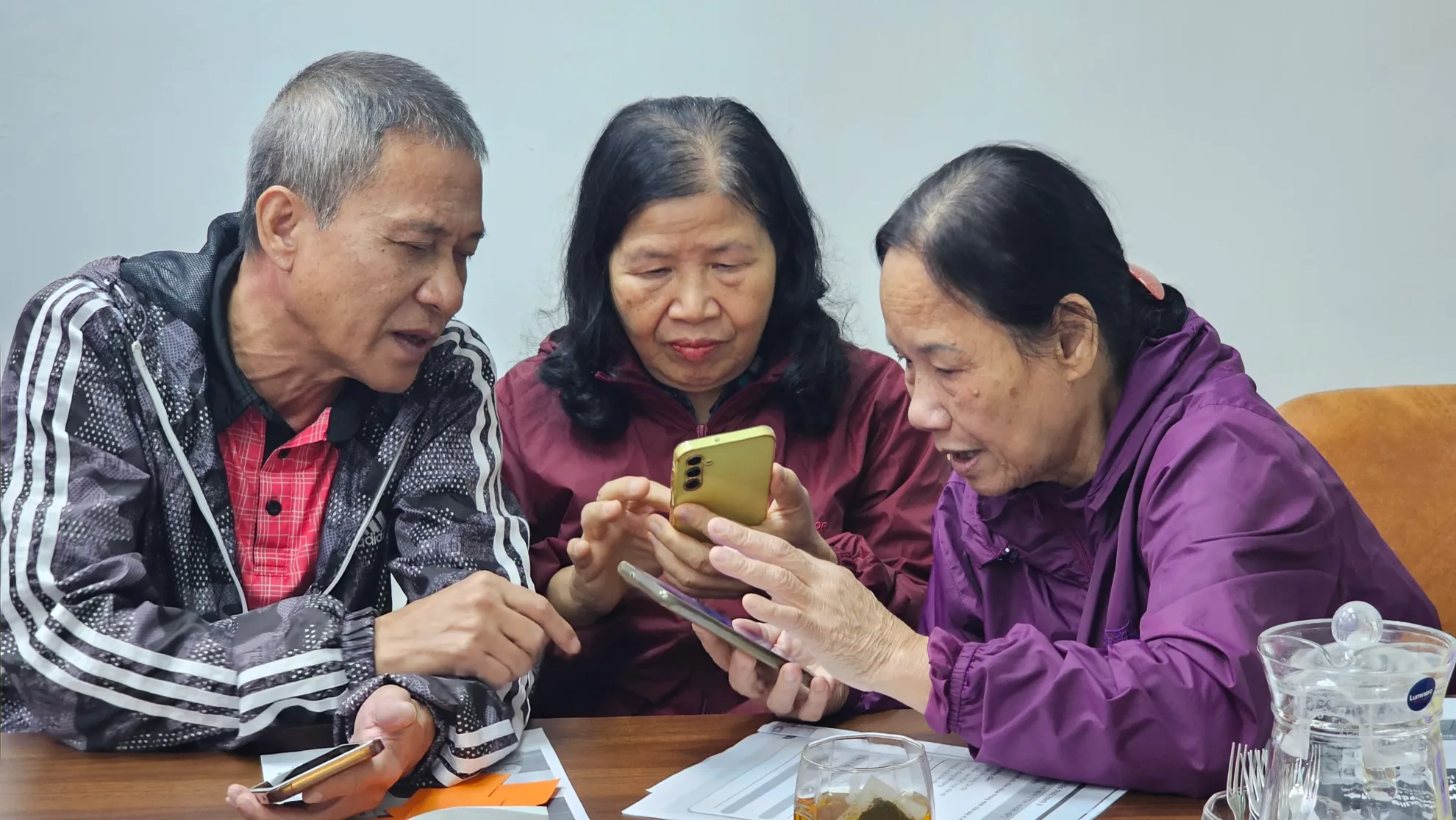
Barriers Beyond Technical Skills
We often hear phrases like, "Dear, why won't this button work?" or "This is too complicated, I give up!" In reality, these difficulties do not entirely stem from the learning capacity of older adults but rather from biological and design barriers:
- Visual Decline: Decreased ability to distinguish colours and sharpness makes small text or faint icons a major challenge.
- Limited Motor Skills: Less flexible finger joints often lead to accidental touches when buttons are placed too close together.
- Cognitive Overload: Multitasking interfaces with excessive simultaneous information make it difficult for the elderly brain to process, often leading to anxiety and a fear of making mistakes.
5 "Golden Principles" for Age-Friendly Design
To build a truly inclusive digital platform, developers must adhere to specific Inclusive Design standards:
1. Visual Priority: BIG and CLEAR Fonts
Don't let typography become a barrier. The minimum text size should be 16-18pt. Additionally, using Sans Serif fonts helps the eyes recognise characters more easily and reduces eye strain during prolonged screen time.
2. Optimal Colour Contrast
According to WCAG, high contrast (e.g., black text on a white or light yellow background) is vital. This helps older users clearly distinguish between content areas, buttons, and backgrounds, even in low-light conditions.
3. "Generous" Interaction Areas
Buttons must be large enough with ample padding. Designing touch targets with a large surface area minimises "fat finger" errors — the accidental touching of multiple items at once.
4. Simplified, Linear Processes
Simplicity is the ultimate sophistication. An age-friendly app should follow a linear workflow: One screen – One task – One clear confirmation button. This allows users to focus entirely on the current action without being distracted by complex menus or notifications.
5. The Power of Voice Assistants
When hands shake or vision blurs, voice becomes the "key" to confidence. Integrating voice-guided instructions and controls is not just a modern feature; it is a profound expression of empathy for older users, helping them master technology independently.
Conclusion
At VIOBA, we believe that technology only holds true value when it serves everyone. Designing age-friendly applications is not just a technical issue — it is an act of kindness and social responsibility. Closing the digital divide is a crucial step toward an active and equitable ageing society.